Language Switcher
ONLINE MANUALver. 1.23

How To Operate

How To Use The Admin Menu

Once you have been issued an account by us, you can log in to the administration screen.
After logging in, you will be able to operate the administration screen as an administrator.

New User Registration

(1) Click the “Admin Menu”*1Adisplayed at the bottom of the side menu to open the settings screen.
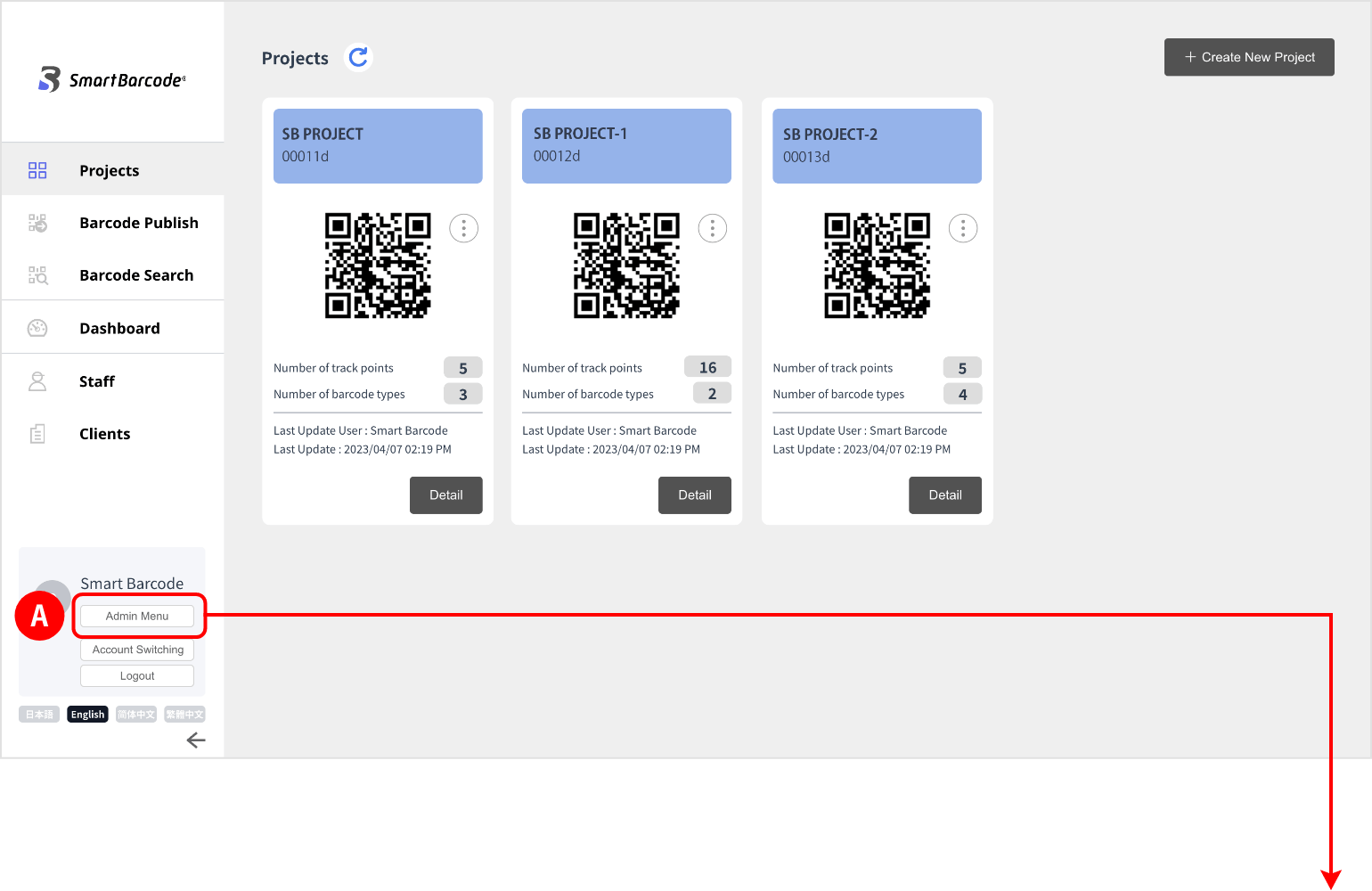
    *1: The “Admin Menu” can only be viewed and edited by users with owner authority. By default, only administrators are displayed.

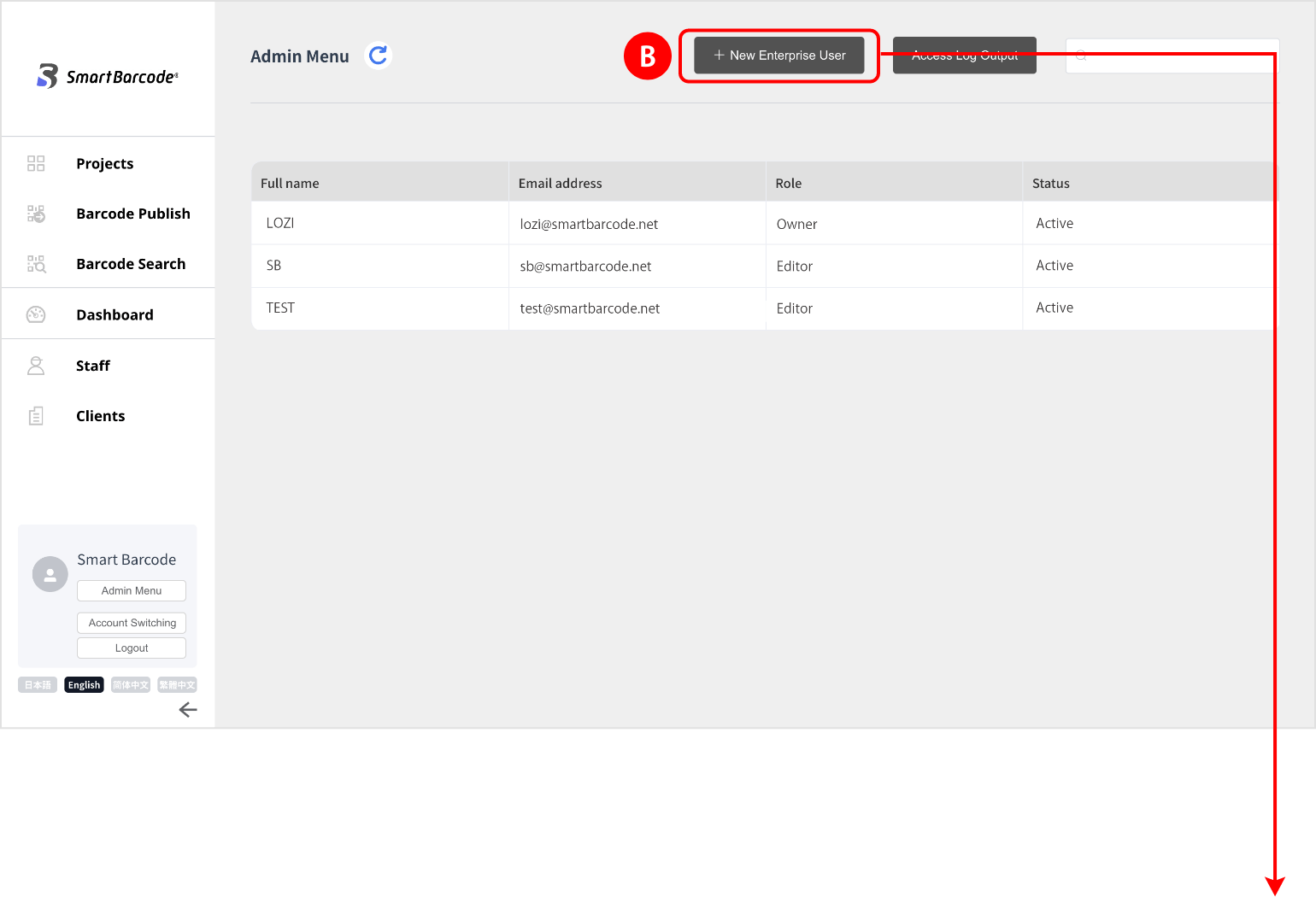
(2) In the administrator menu, click “+ New Enterprise User” B
    at the top right of the screen to register additional users.
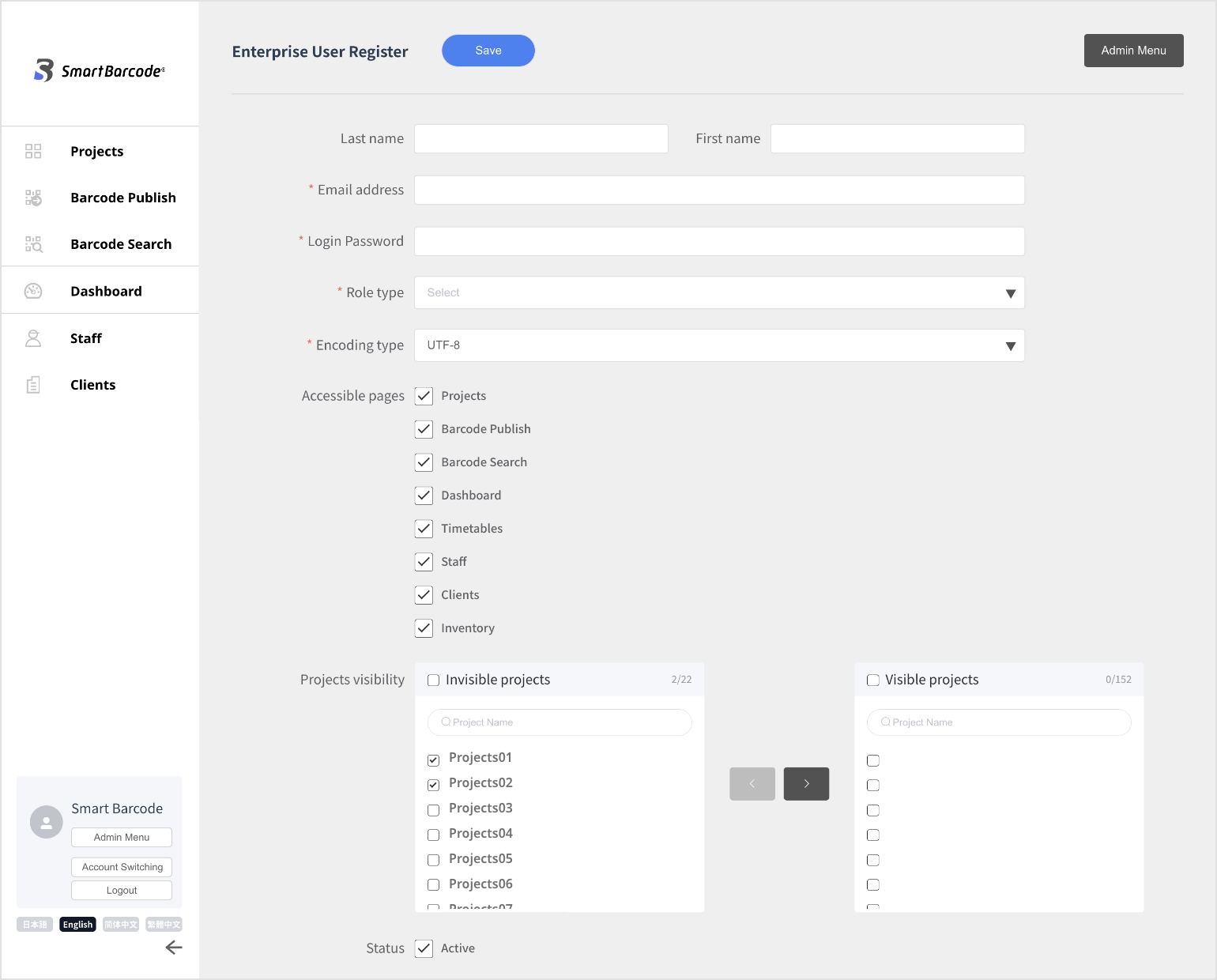
(3) Enter your e-mail address and password, set permissions and preferred encoding*2,
    enter the check of access rights for each screen as required.C

    *2: “UTF-8” is selected by default. To open the CSV file in excel, select “Shift-JIS”.

Account SwitchingA

You can switch to an external user’s account to act as that user.
To issue an account for an external user, please contact us.

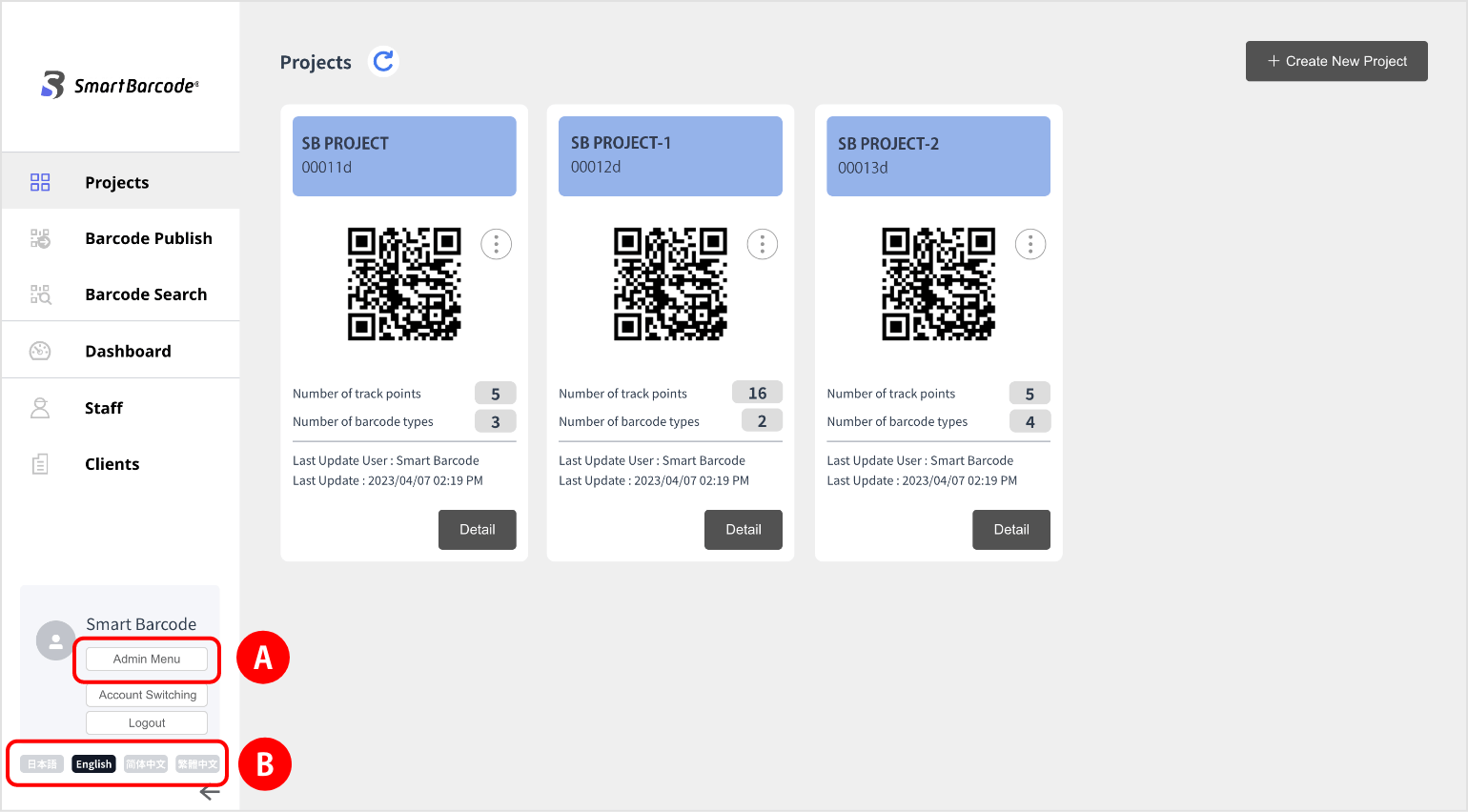
Switching The Language of The ExtranetB

You can switch to the following languages:
・Japanese
・English
・Chinese (Simplified)
・Chinese (Traditional)

© LOZI Inc. All Rights Reserved.