Language Switcher
ONLINE MANUALver. 1.23

Function

Additional Tracking Features

Additional tracking features include the following settings:

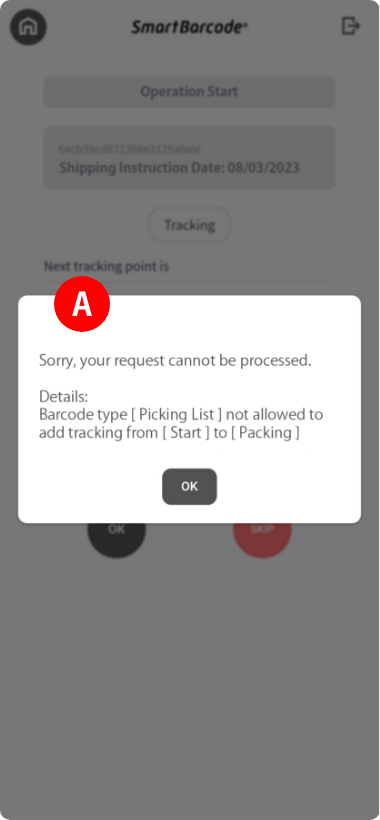
・ Prohibited Route Setting:

AYou can set not to trace between specified tracking points.

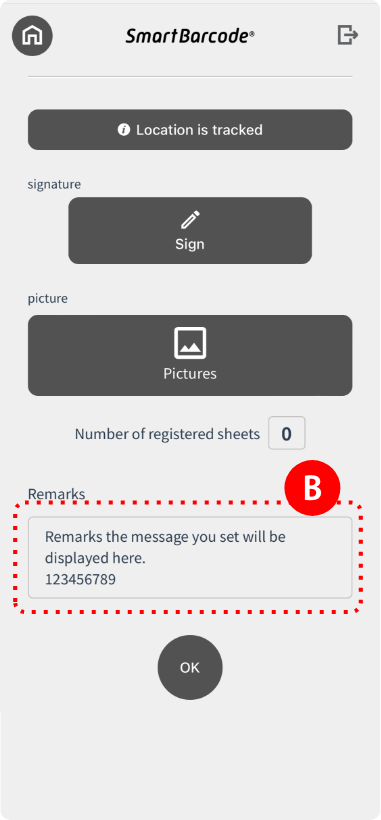
・ Remarks Display Setting:

BYou can set the remarks column to be displayed on the smartphone (app).

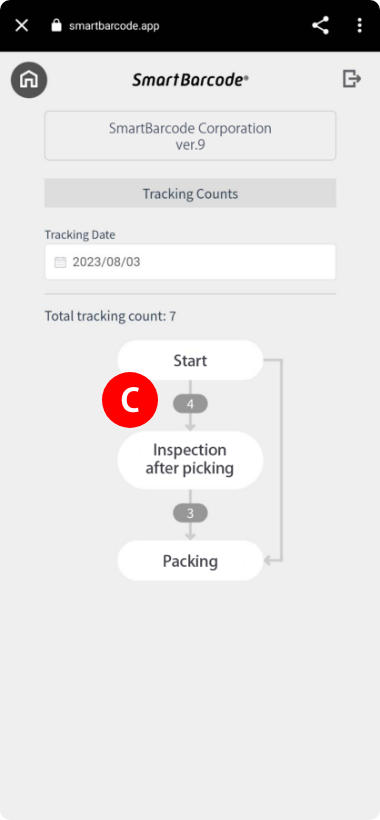
・ Tracking Number Display:

CYou can display the number of tracking times on the smartphone.

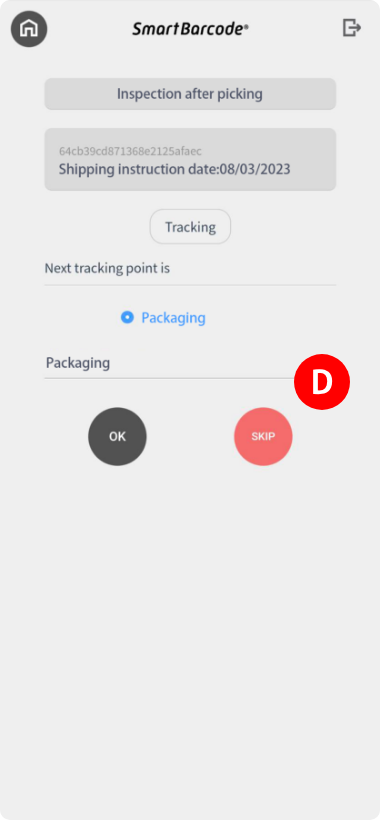
・ Tracking Skip Function:

DYou can set it so that you can skip points that are no longer needed.
Specific Examples

1

For example, in the tracking count display, you can get information such as “who processed how many times”, which is useful for visualizing work man-hours.
In addition, if a tracking branch is provided, it is possible to determine whether the tracking destination of the received product is a or b, etc., and it can be used for later process management.

2

With the tracking skip function, when the person in charge of the previous process forgets to track and only the product arrives, you can skip the front-end process and transfer the tracking point to your own process, and proceed without stopping the work.

Feature

In the tracking count display, you can set it to display a message every n times.
For example, in the case of a product that needs to be replaced after 5 uses, it is possible to notify you with a message when necessary.

© LOZI Inc. All Rights Reserved.